Probate Guide Template
INSTANT DOWNLOAD
EDIT IN CANVA
YOURS FOREVER

Want Everything?
$999.00
$6,500.00
When a family loses someone, the last thing they want to deal with is feeling lost in a process they've never navigated before. That's exactly where you come in, and this guide helps you show up ready.
Selling a property during probate often comes with emotional conversations, legal considerations, and family dynamics. This guide helps you present valuable information in a compassionate, organized way, helping clients understand what to expect while positioning yourself as a trusted resource throughout the process.
This Probate Guide Template is a done-for-you, fully editable Canva template that you can customize with your name, photo, branding, and contact information in minutes. Print it, email it, or hand it to an executor before your first meeting. Either way, it does the heavy lifting of educating your client before you ever sit down together, so the conversation starts from a place of trust, not confusion
Perfect For
Probate real estate specialists
Residential real estate agents
Realtors working with executors and heirs
Estate sale consultations
Probate listing presentations
Client education materials
Lead generation and nurturing
Template Topics Include:
Understanding the probate process
Selling a home in probate
The role of the executor
Working with heirs and family members
Selling a property as-is
Common probate questions
Guidance for families during estate transitions
Why agents love this template:
Probate leads are different from other types of real estate clients. These are people in grief, often overwhelmed, sometimes dealing with family tension on top of everything else. Walking in with a polished, thoughtful guide signals something important: you've done this before, and you know how to help.
This guide positions you as the calm, knowledgeable professional in the room, the one who already thought about their questions before they had to ask them.
A note on what this is:
This is a digital template — no physical item will be shipped.
Upon order completion, you'll receive a link to download a PDF guide with template access.
EDIT FOR YOUR BRAND IN 4 EASY STEPS:
- Download the document that comes with your purchase. Click the blue underlined link to access the Canva template.
- Change the colors to your company's branding standards, add any additional images or logos you want in Canva
- Once you're finished editing the template, feel free to download or edit as much as you want
- Come back and leave us a review! (Pretty please)
For the best experience using Canva, use a laptop/desktop computer with Google Chrome.
This template is designed in Canva. COMMON KNOWLEDGE OF CANVA IS REQUIRED. We also cannot guarantee the use of all free elements, Canva changes which are free, and which are premium constantly. Thank you for understanding.
You can get a FREE trial version of Canva Pro here.
The sale of this template is not affiliated with Canva in any official way.
From purchase to launch in minutes
HOW IT WORKS:

PURCHASE
Complete checkout and get instant access to your template.

CUSTOMIZE
Open in Canva. Add your branding, photos, and details.

LAUNCH
Download and print, post, or send to your database.


Best Sellers
Less time designing. More time closing.


Frequently Asked Questions
-
Everything. Colors, fonts, images, text. The templates are fully customizable in Canva.
-
Open the PDF you received after purchase. The Canva link is inside. Click it or copy/paste into your browser. It opens directly in Canva.
-
For a few copies needed quickly, Office Max does solid work with fast turnaround.
For more time (7-10 days), Canva's print service is quality but pricier.
For larger quantities, Mixam (mixam.com) has the best pricing and top-notch quality. Longer shipping, but worth it.
Pro tip for booklets: Saddle stitch is a nice finishing touch. Always use a page count divisible by four (12, 16, 20 pages).
-
After checkout, you'll receive an email with a PDF containing a link to the Canva template. Click the link and it opens directly in your Canva account.
-
No. The templates work with free Canva. Some individual elements within Canva may be marked as Pro, but you can swap those out with free alternatives.
-
Yes. Everything is fully editable. Add your branding, swap colors, change fonts, replace photos, and adjust text.
-
Yes. Once you purchase, the template is yours to use as many times as you want for your own business.
-
Yes. Share the Canva link with your team and they can customize it for you.
-
No. This is a digital download. Nothing will be mailed to you.
-
Due to the digital nature of the product, all sales are final. If you have issues accessing your template, contact us and we'll help.
-
No. Templates are for your personal business use only. Reselling or distributing is not permitted.

I’m looking for


Buy the whole shop! With one purchase you get everything in the shop and everything we design in the future - FOREVER!
1000+ templates
Includes future templates
Access immediately
Edit in Canva



Ready to stop playing small?
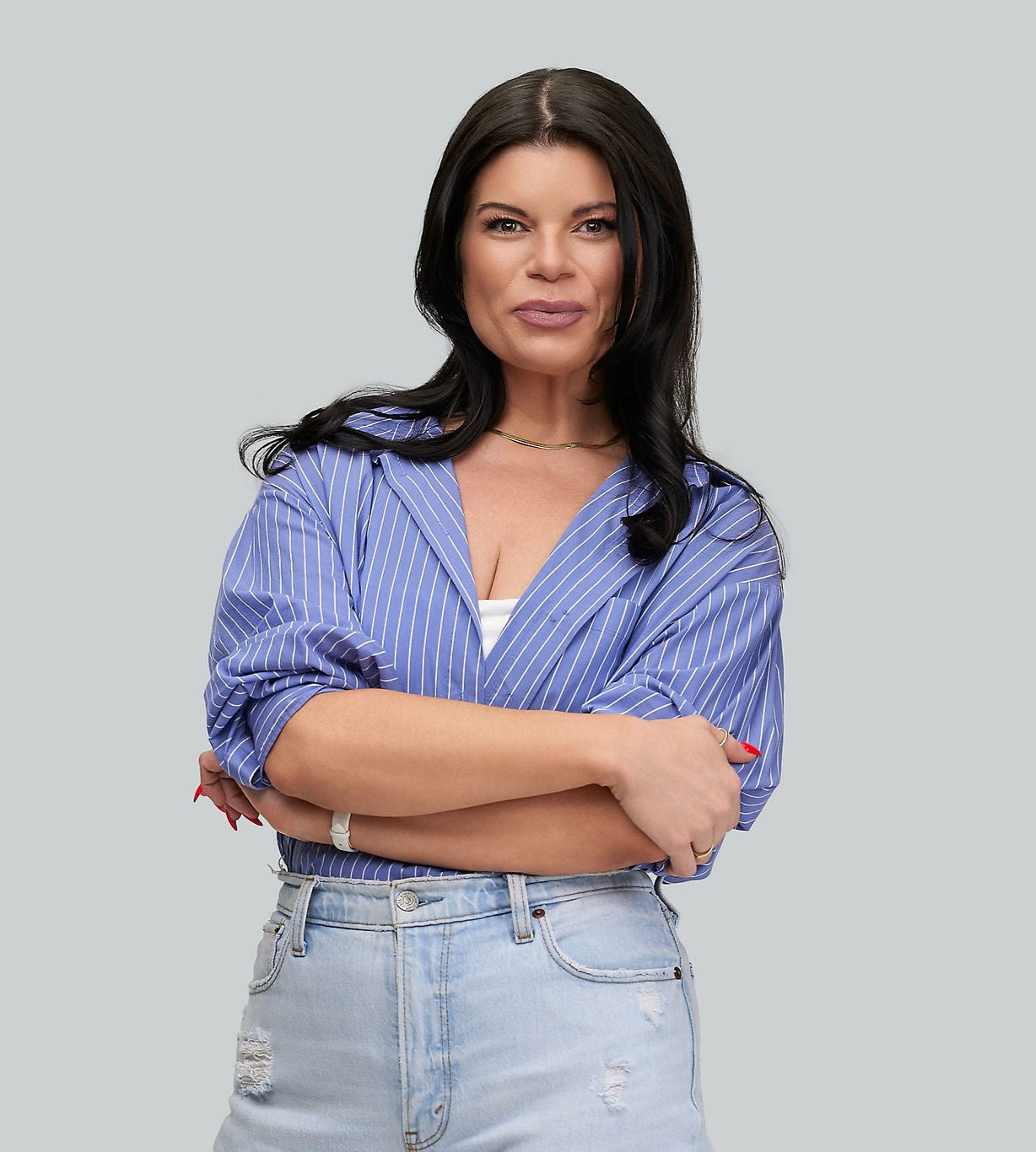
MEET KELLI, BRAND AND MARKETING STRATEGIST AND DESIGNER FOR REAL ESTATE BUSINESS OWNERS.
Using my 15+ years experience as a Marketing Manager AND real estate agent coupled with my passion (and talent!) for branding, my mission is to help and support as many real estate agents as possible in building and growing their brands and businesses.